
Let new members apply online and existing members pay online, while you stay in control.
Apply
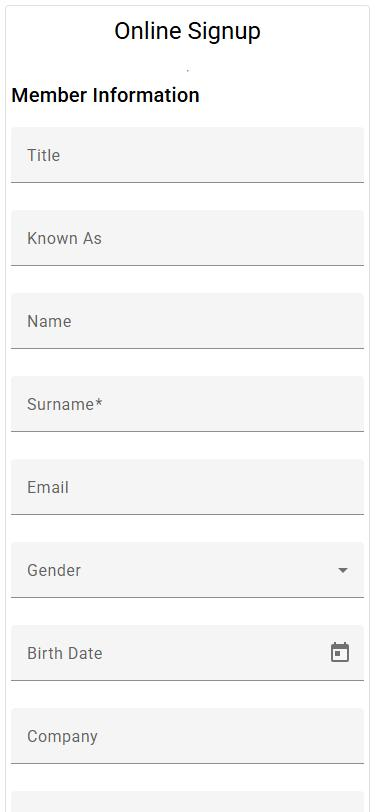
The applicant completes your online form on a phone or computer.
Review
You are notified by email, and the application waits on your dashboard.
Approve
Check it, edit if needed, then accept or decline. Accepted applicants become members.
Pay
Their invoice carries a payment link, or they sign up for a debit order.
An application form that fits your organisation
- Choose which fields appear, which are required and what each is called.
- Add your membership categories, custom fields and required documents.
- Give each question its own help text.
- Set the thank-you message and the page applicants go to afterwards.
- Link to the form from your website, emails or social media.
Need something more involved? Our WordPress plugin can collect applications on your own website and pass them to Membaz. See the WordPress integration.
Online payments with PayFast
Connect your PayFast account and a payment link appears on every PDF invoice and statement. Members pay by card or instant EFT from wherever they open the email.
Debit orders
Record banking details on the member record, then create a debit order file for a group of members in one step and upload it to Netcash (formerly Sage Pay).
Questions people ask
Do we have to approve every application?
Yes. Applications wait as pending until an administrator accepts or declines them, so nobody joins without your say-so.
Can applicants upload documents?
Yes. Choose which attachments the form asks for, such as an ID copy or proof of qualification.
Which payment providers do you support?
PayFast for online payments and Netcash (formerly Sage Pay) for debit orders. Ask us if you use another provider.